Spell Corrector: Spell Checker
Bizcraft Apps
Downloads
500,000+
Source
Google Play
Advertisement
Click to download now, finish the installation quickly, and directly unlock the all-round experience
Advertisement
Screenshots
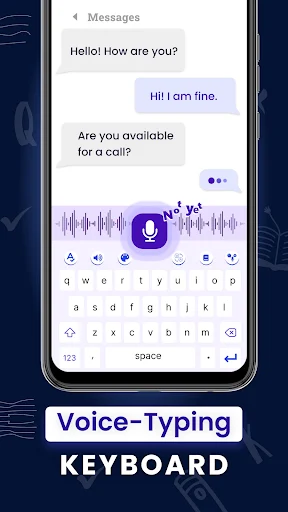
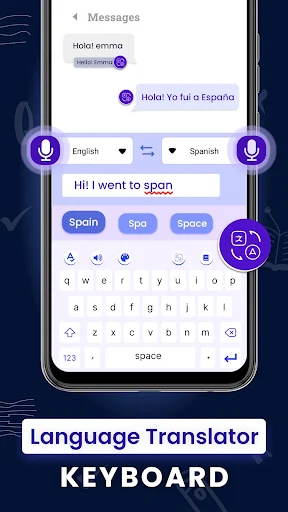
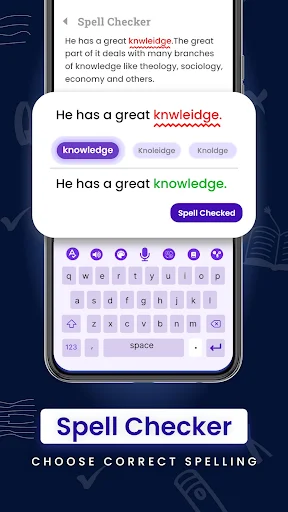
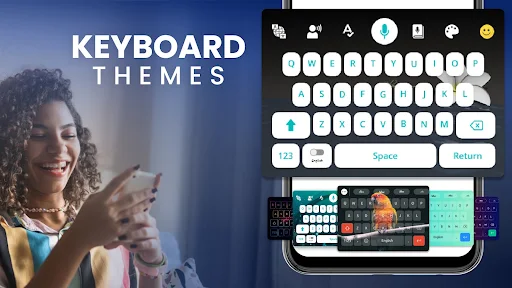




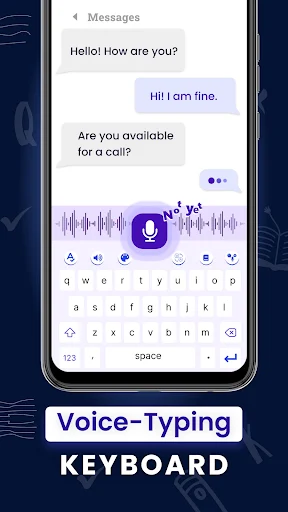
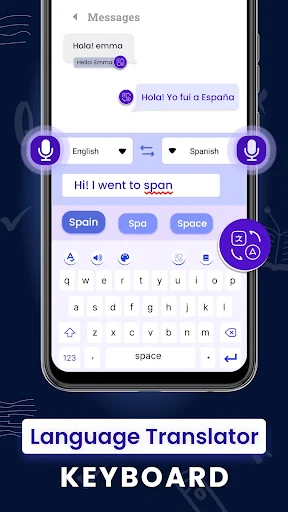
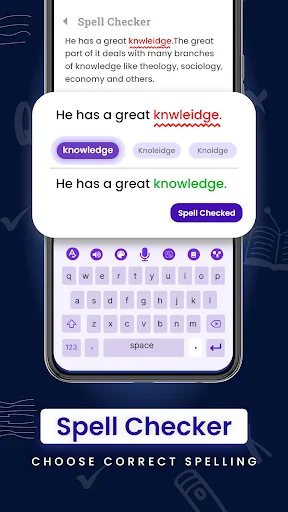
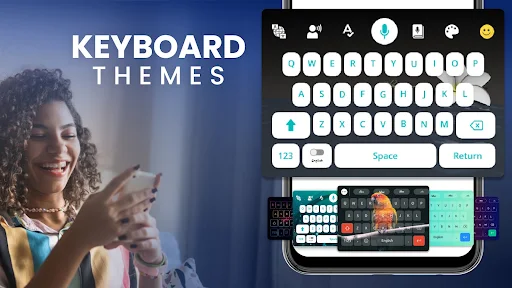


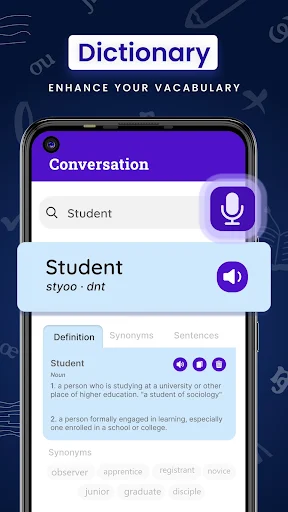
Click to download now, finish the installation quickly, and directly unlock the all-round experience
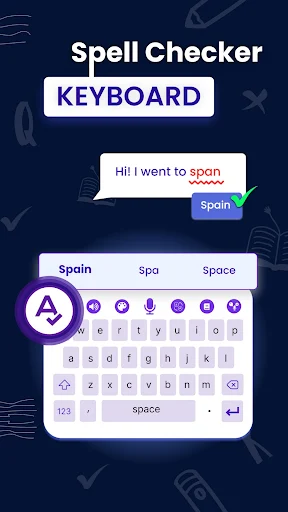
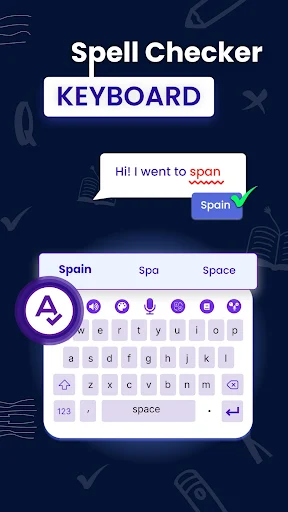
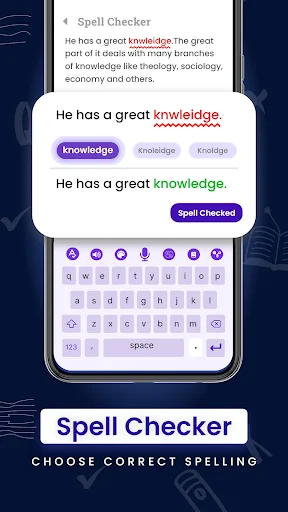
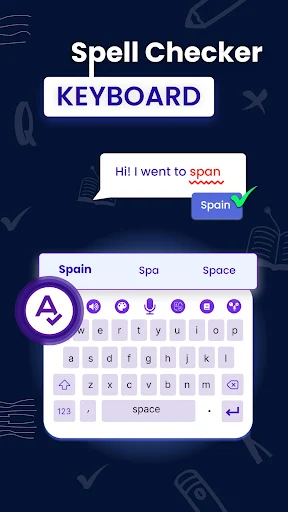
Spell Corrector: Spell Checker is a writing aid for checking and correcting text on an Android phone. It may suit people who want a second look at messages, notes or other everyday writing, especially when typing errors are easy to miss. The description also points to grammar correction and a keyboard with autocorrect, so it covers both fixing text and helping as you type.
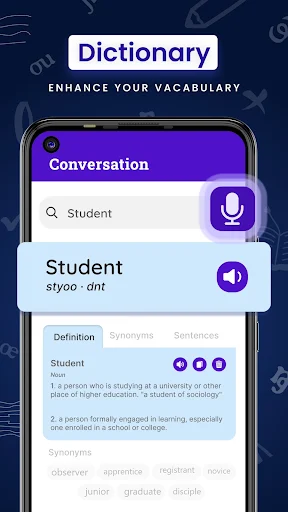
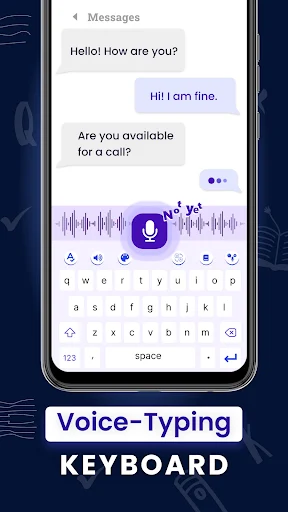
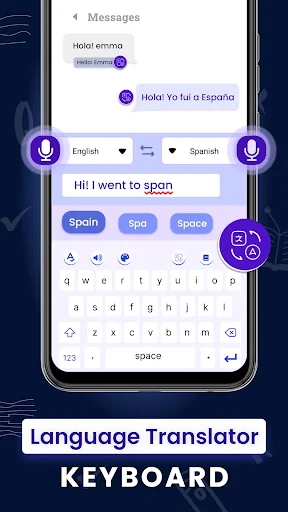
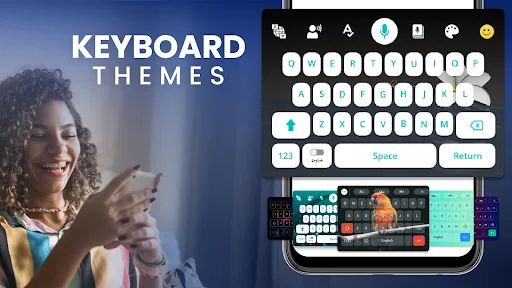
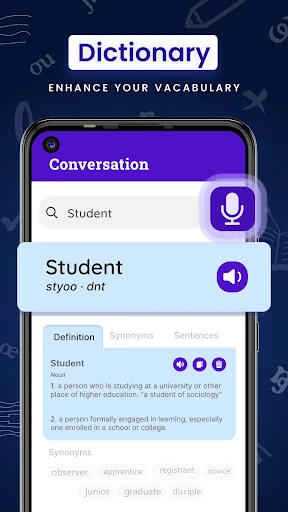
The app is presented as a place to check a piece of writing and review suggested corrections. A dictionary is also mentioned, which can help when you want to look up a word rather than change a whole sentence. The keyboard option is aimed at people who would rather get spelling help while entering text. These tools are useful for routine writing, but the listing does not explain how corrections are chosen or how well they handle different writing styles.
Bizcraft Apps is the developer. The app has a rating of about 4.0 out of 5, based on roughly 2,900 ratings, and its listing shows 500,000+ installs. Those figures suggest it has found a sizeable audience, though ratings and install totals cannot tell you whether its suggestions will suit your own writing.
This is a focused productivity app rather than a full writing workspace: its stated purpose is to help catch spelling mistakes and improve text with correction tools. If you mainly need help with short, everyday writing, that may be enough. If you need detailed explanations of grammar changes or specialist editing, the available description does not establish that the app provides them.