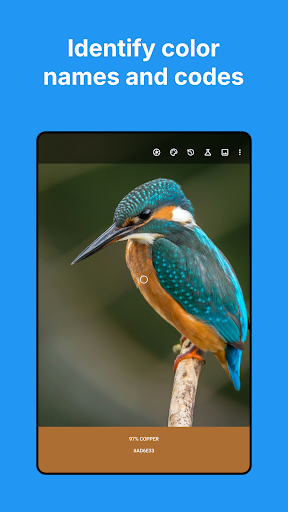
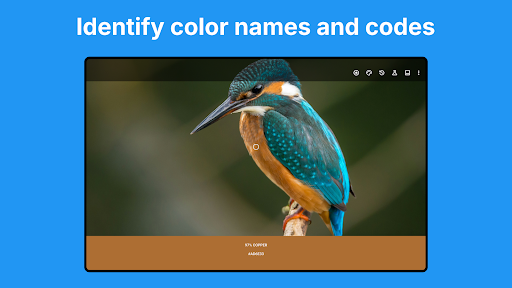
Find a color in a photo or through the camera
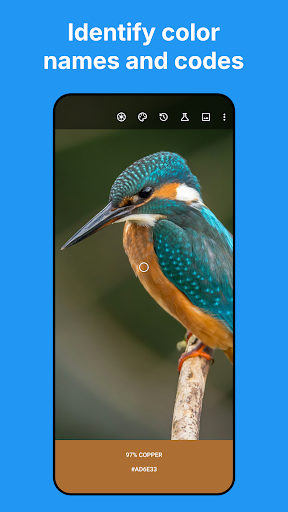
Color Picker: Find Name & Code helps you identify a color and see its name and code. Use the camera to sample something in front of you, or choose a saved image. You can change the size and shape of the sampling area, from checking a single pixel to taking an average across a circular or square area.
That makes it useful for matching a paint or fabric shade, checking a color in a picture, or picking a value for a design. It suits curious users as well as people who work with color; you do not need to know color science to use the basic identification tools.
More detail when you need it
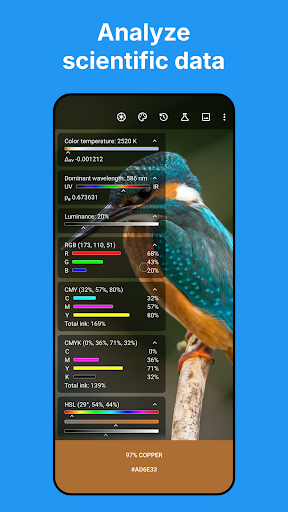
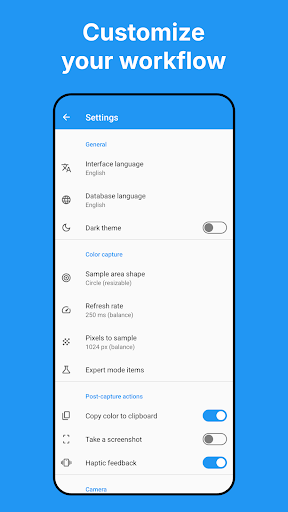
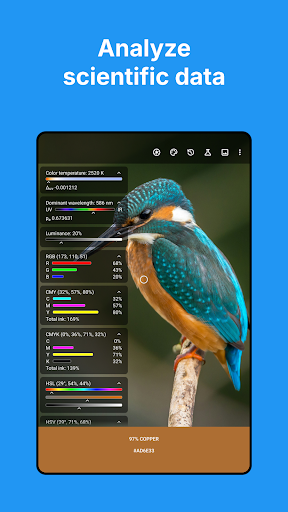
An optional Expert Mode shows additional measurements, including color temperature, wavelength and luminance. The app can display values in several familiar and technical formats, such as HEX, RGB, CMYK, HSL, LAB and XYZ. These can help when you need to carry a color value into a design or image-editing workflow.
The camera also offers controls for focus, exposure and white balance, along with a flashlight option and a choice of available cameras. These settings give you more control over what you are sampling, though the result still depends on the image or camera view you use.
Look up named colors
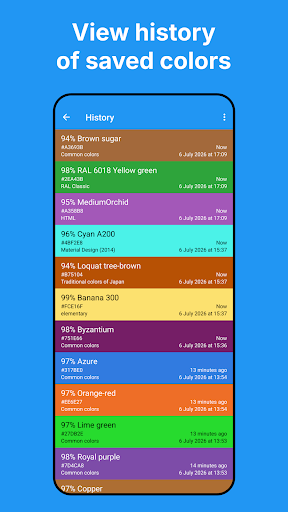
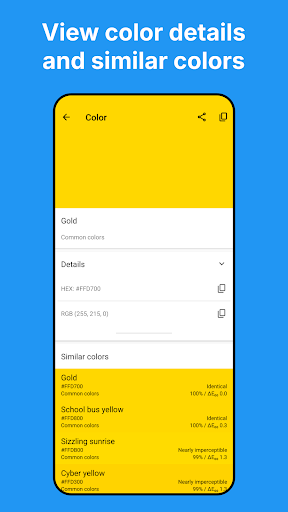
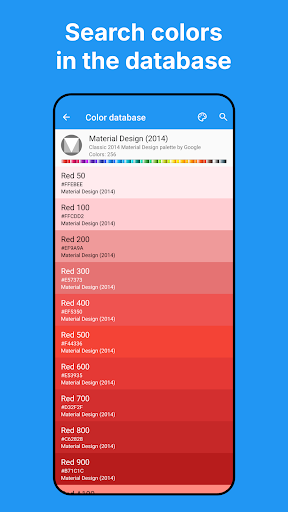
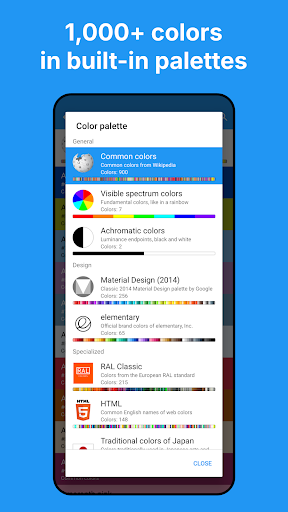
If you already have a color code, you can search the built-in collections by name or HEX value. They cover everyday color names and web colors, along with palettes such as RAL Classic, Material Design and traditional Japanese colors. This is handy when you want to browse for a close match rather than sample one from an image.
At a glance
- Developer: Mikhail Gribanov
- Category: Tools
- Store rating: 4.19 out of 5, from 5,787 ratings
- Installs: 1,000,000+
The rating and install count suggest that many people have tried it, but they do not guarantee that its readings will suit every task. For everyday color lookup and code checking, it puts the main tools together without requiring you to understand every measurement first.